
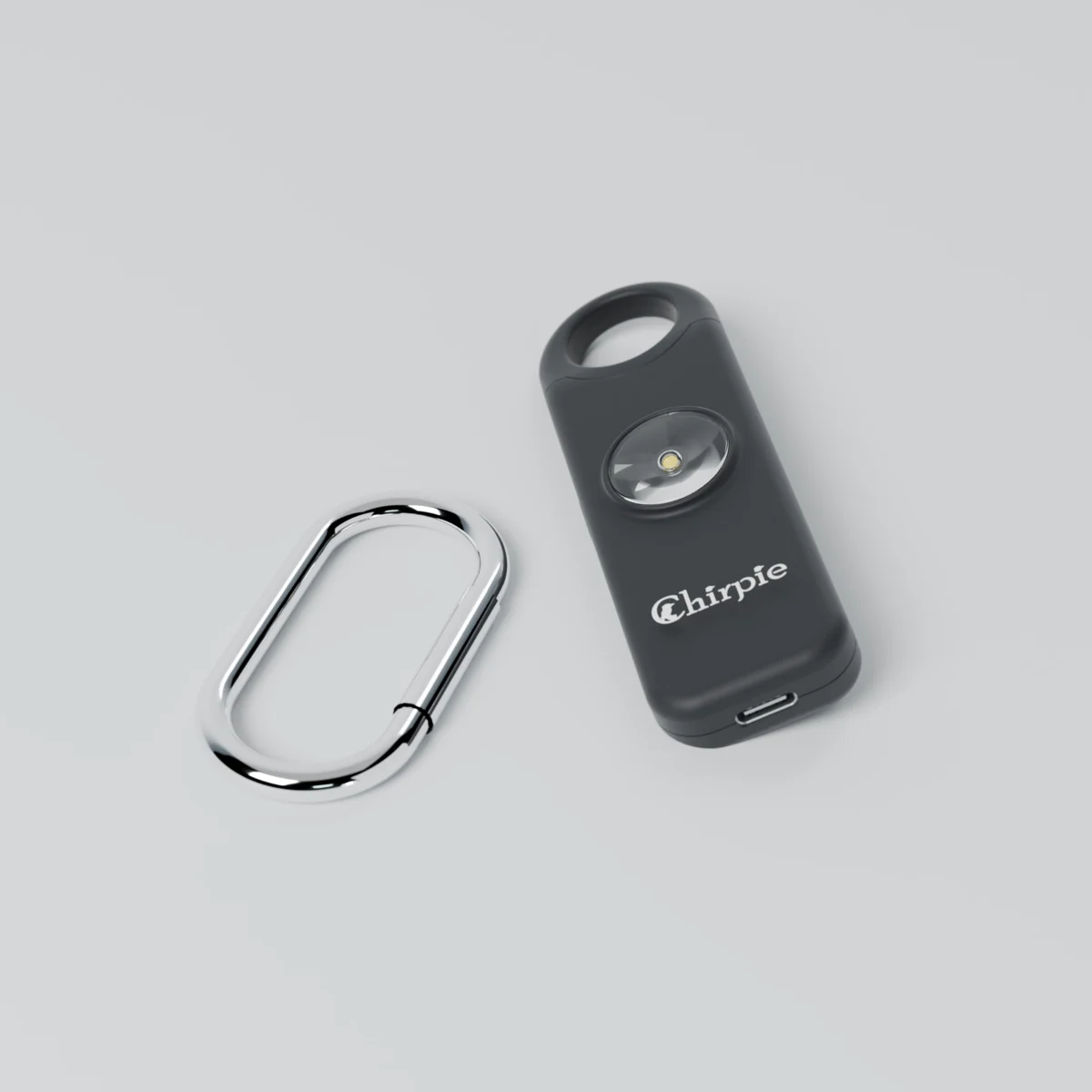
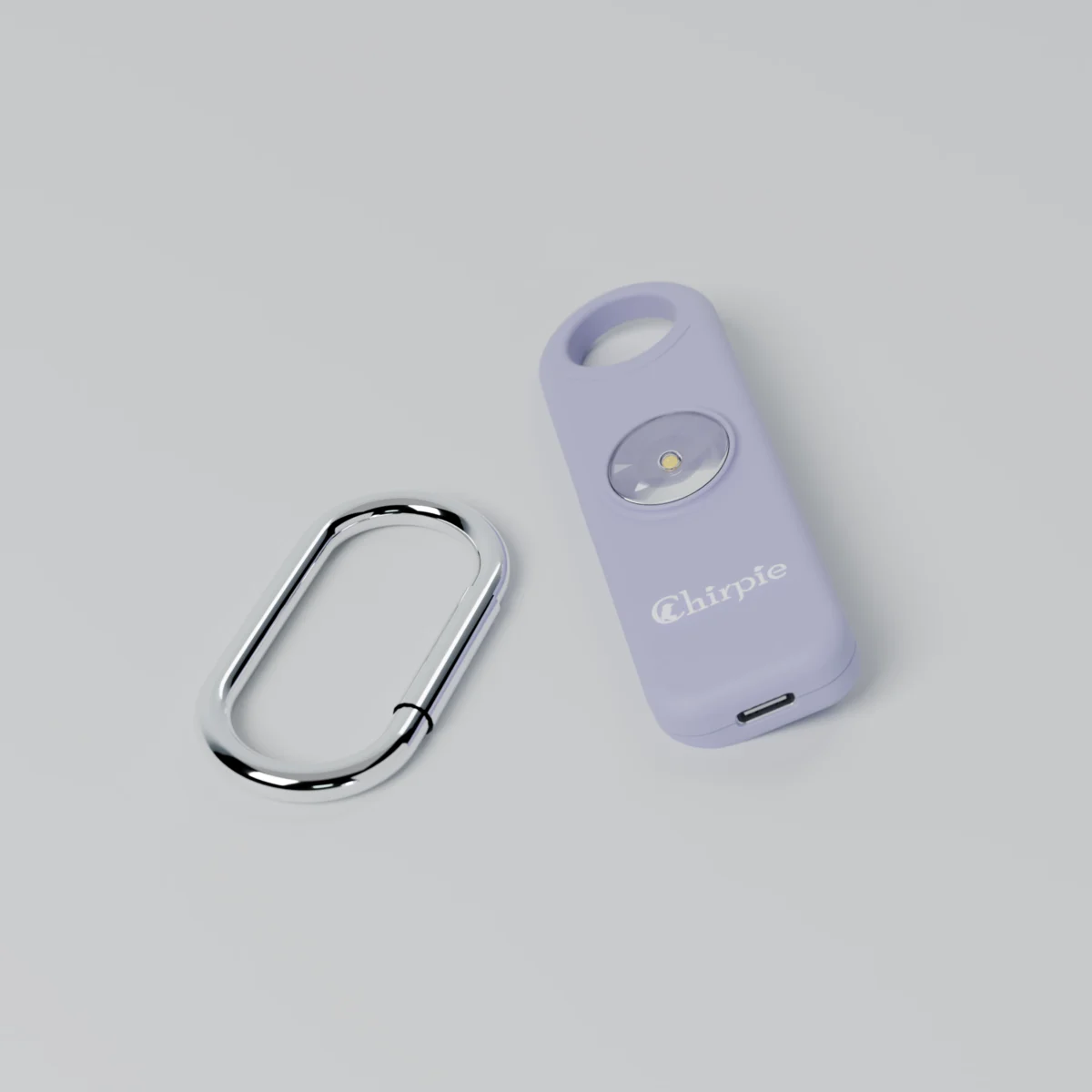
Chirpie Link Fusion
$44.99
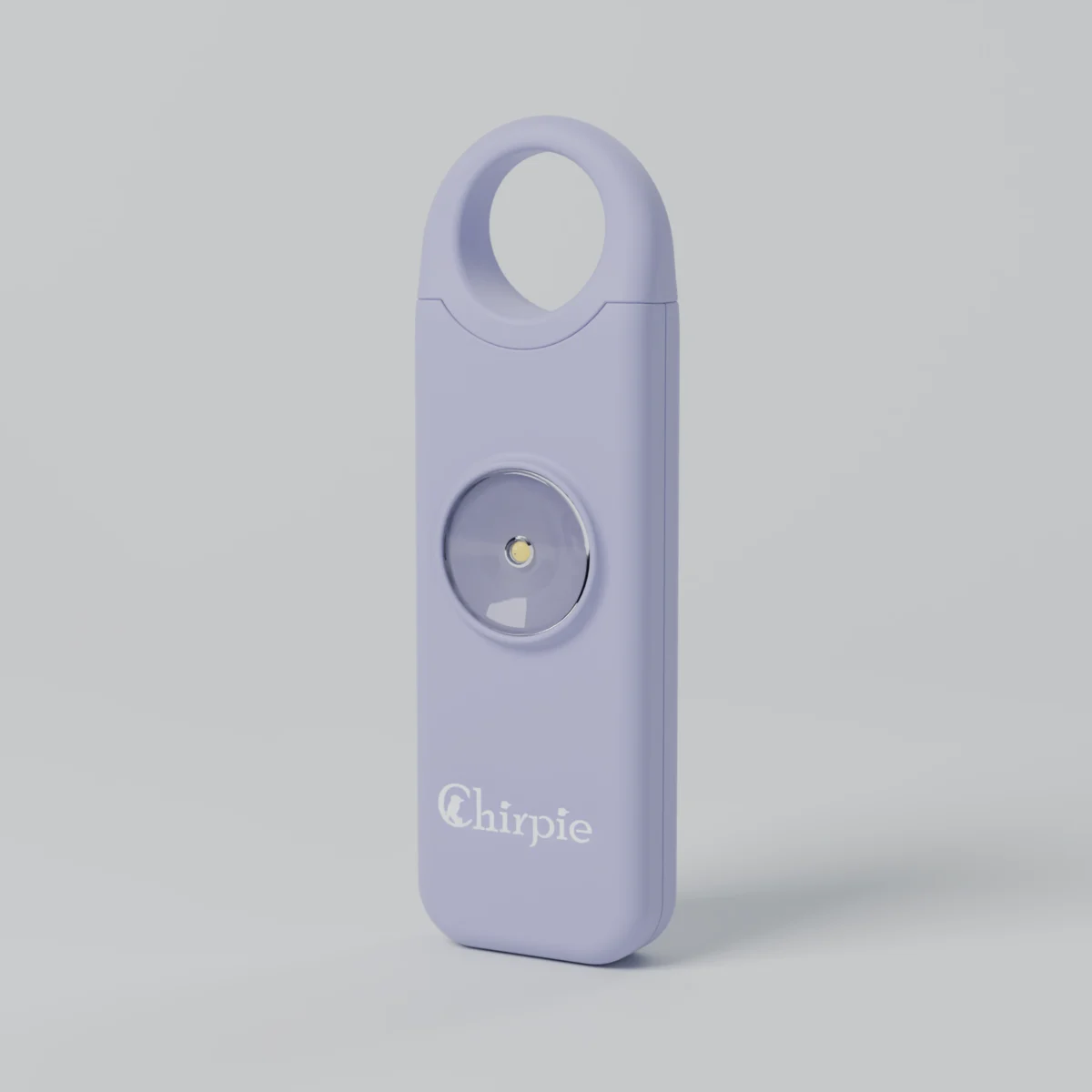
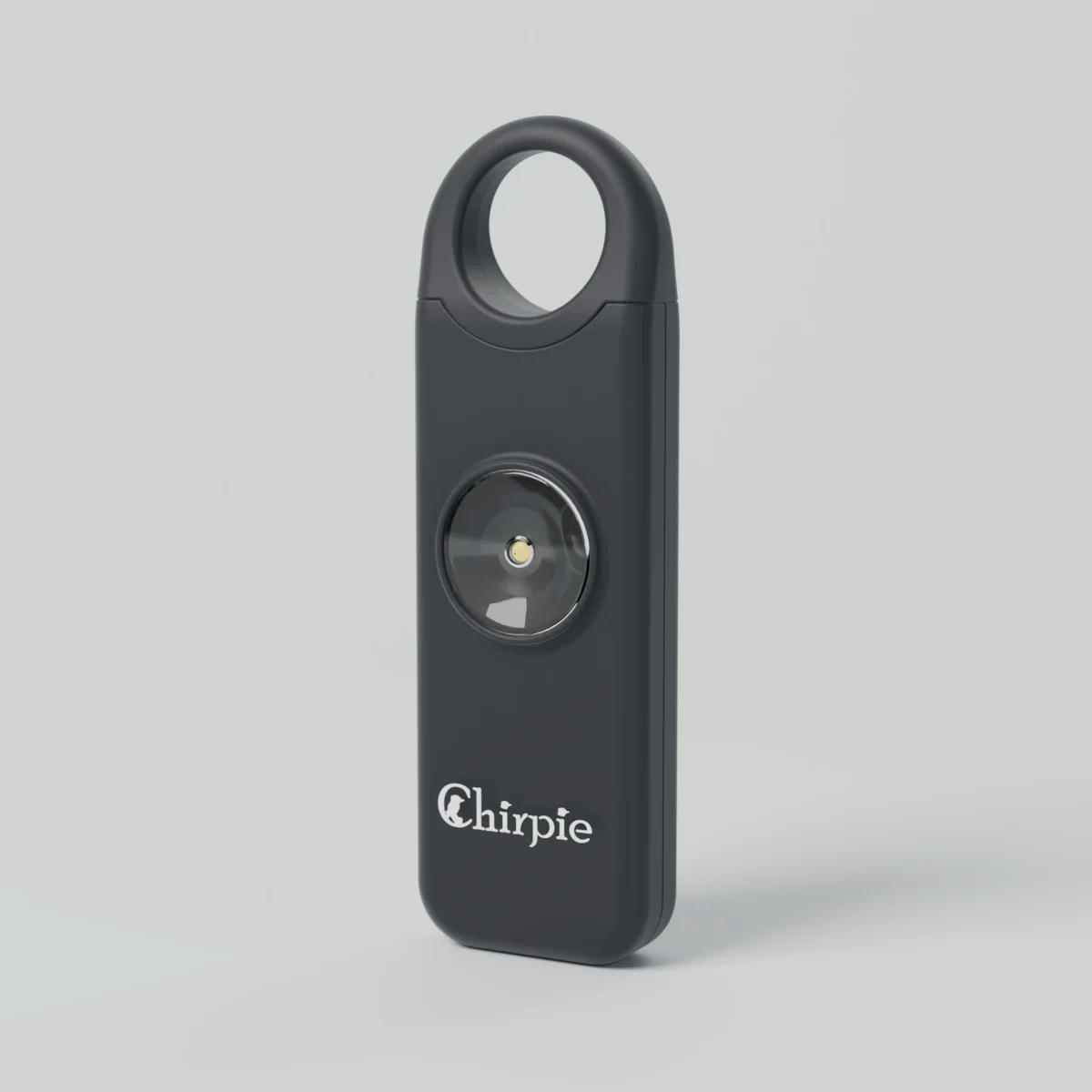
Everything in the Chirpie Link, with a pin that stays attached so it can’t be dropped or lost in a panic. A siren rated 130 dB, strobe and torch, plus a Bluetooth trigger for your phone’s built-in Emergency SOS. Pull the pin, or press the side button 5 times to alert without the siren.
Phone SOS features depend on your phone’s make, model and settings. See the description below.
Buy more, save more
- Free shippingAustralia-wide
- Usually ships in 2 business daysFrom Melbourne
- 1-year warrantyOn every alarm
- 30-day returnsIf it is not right for you
Compare modelsSetup guide and phone compatibilityBusiness and bulk orders
Description
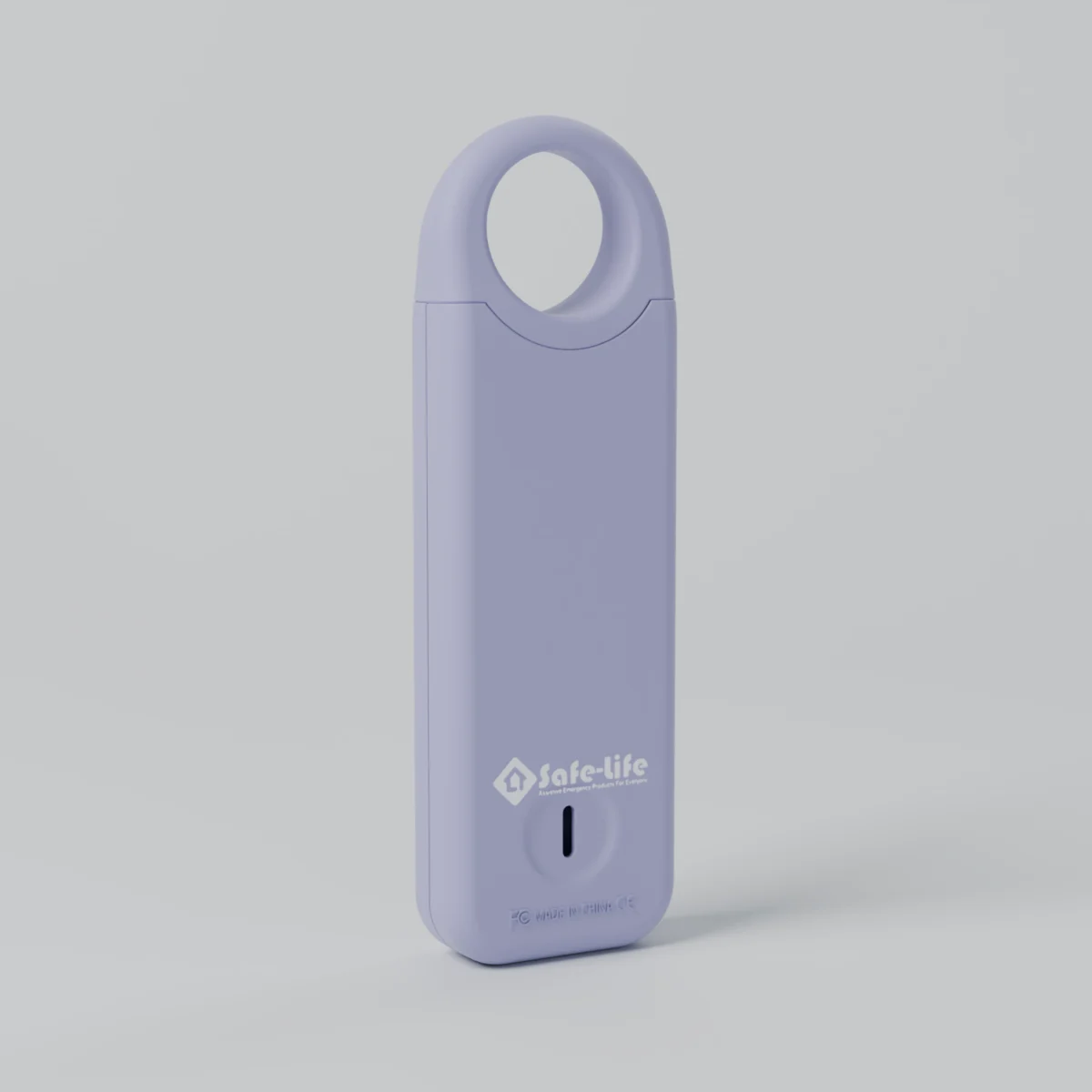
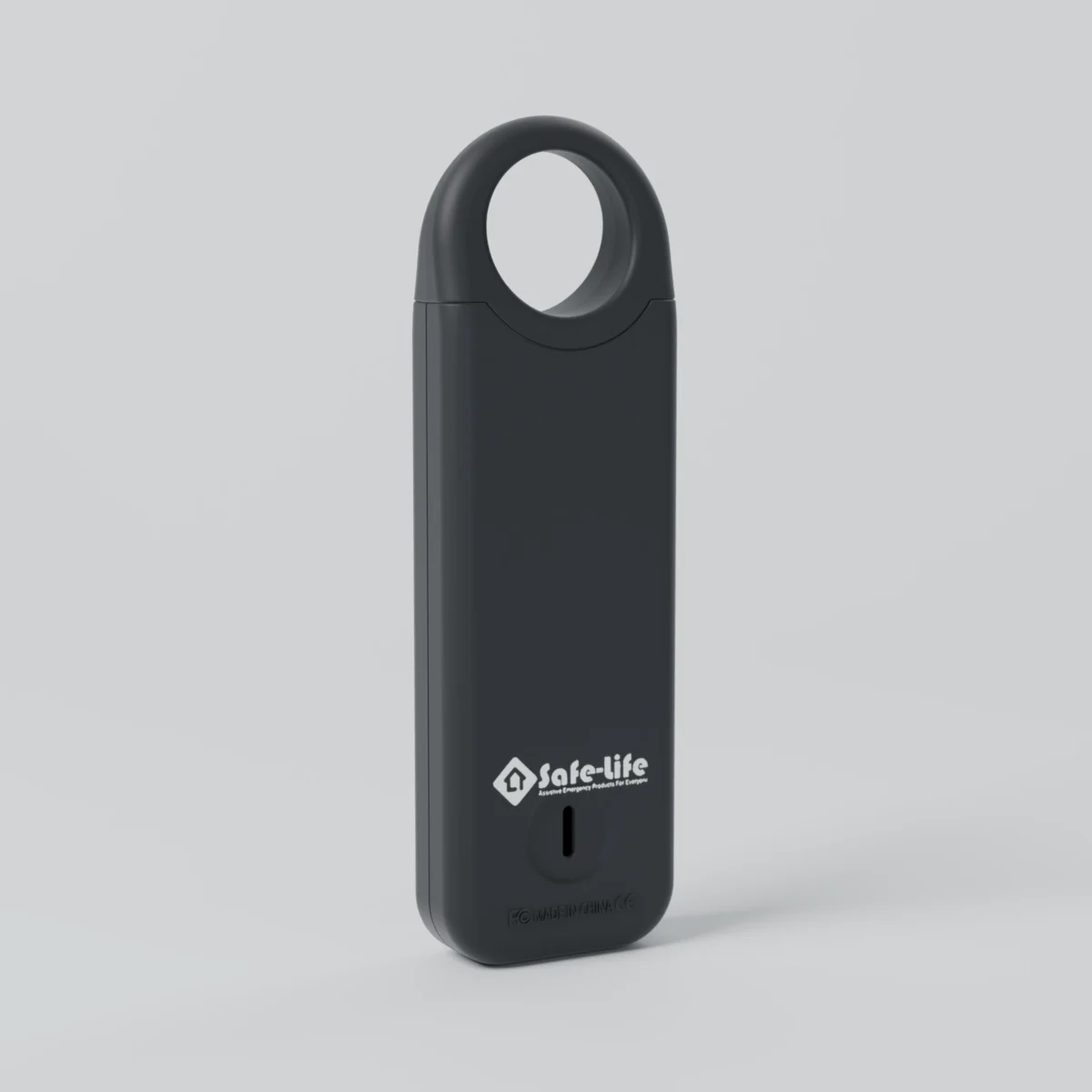
The Chirpie Link Fusion is the Chirpie Link in our Fusion body. The pull-pin stays attached to the alarm, so it can’t be dropped or lost when you need it most. Pull it and a siren rated 130 dB and a flashing strobe go off straight away, and the Link Fusion can trigger your phone’s built-in Emergency SOS over Bluetooth. No app and no subscription.
Features
- Attached pin: pull it to sound the alarm. It stays connected to the alarm, and pushing it back in stops the siren.
- Siren rated 130 dB and flashing strobe: made to draw attention fast, and built to ‘police-approved’ specs: a loud siren, instant activation and a strobe light.
- Phone Emergency SOS: if the pin stays out for about 10 seconds, the Link Fusion triggers your phone’s built-in Emergency SOS. Depending on your phone and how its Emergency SOS is set up, your phone can call emergency services and share your location with your emergency contacts.
- Silent SOS: press the side button 5 times quickly to trigger your phone’s Emergency SOS without the siren. Your phone’s own SOS may still make a sound.
- Torch and strobe: press the side button once for the torch, again for strobe, and a third time to turn it off. The light turns itself off after 3 minutes.
- USB-C rechargeable: charges in about 1 to 2 hours and sounds the alarm for up to 90 minutes on a full charge. The small red light flashes 10 times when the battery is low.
- Works without a phone too: the siren, strobe and torch always work, whatever phone you have.
Phone compatibility
Designed for iPhone 8 or later (iOS 12 or later) and Android 8.0 or later. The phone SOS feature depends on your phone’s make, model and software. Apple and Google control their Emergency SOS features, so how your phone responds can change with software updates, and we can’t guarantee it will work on every phone. On Samsung phones running One UI 6 or later, the trigger is unlikely to work while the phone is locked.
Setting up is the same as the Chirpie Link: see the Chirpie Link setup and phone compatibility guide.
Pairing (no app needed)
- Hold the side button for 3 seconds until you hear a beep. The Link Fusion is now in pairing mode.
- On your phone, open Settings > Bluetooth and select “SOS personal alarm”.
- The Link Fusion beeps again when it’s paired.
Link or Link Fusion?
Both work the same way. The Link Fusion’s pin stays attached, which suits anyone who might fumble or drop a loose pin, including kids and older people. The Chirpie Link has a fully removable pin and comes in more colours. Compare every Chirpie.
Specifications
- Siren: rated 130 dB
- Battery: rechargeable 200mAh 3.7V, USB-C, up to 90 minutes of alarm
- Charging time: about 1 to 2 hours
- Size: 96 x 30 x 15 mm
- Weight: 24 g (the carabiner adds 10 g)
- Colours: Midnight Black, Pastel Violet
- Warranty: 1 year
- In the box: Chirpie Link Fusion, USB-C cable and carabiner clip
Additional information
| Colour | Midnight Black, Pastel Violet |
|---|
Related products
-
Chirpie Infinity Fusion – Personal Safety Alarm with Attached Pin
$39.99 Select options This product has multiple variants. The options may be chosen on the product page -
Chirpie Link
$44.99 Select options This product has multiple variants. The options may be chosen on the product page -
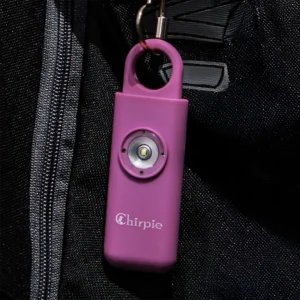
Personal Safety Alarm – Chirpie
$29.99 Select options This product has multiple variants. The options may be chosen on the product page -
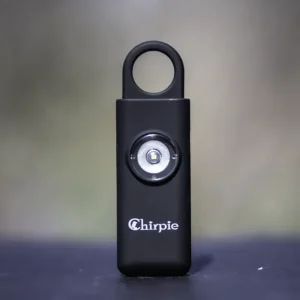
Chirpie Infinity
$39.99 Select options This product has multiple variants. The options may be chosen on the product page
Reviews
There are no reviews yet.